
Download Digital Aquarium Screensaver – interactive screensaver, fish screensaver, relaxing screensaver, virtual aquarium
Overview
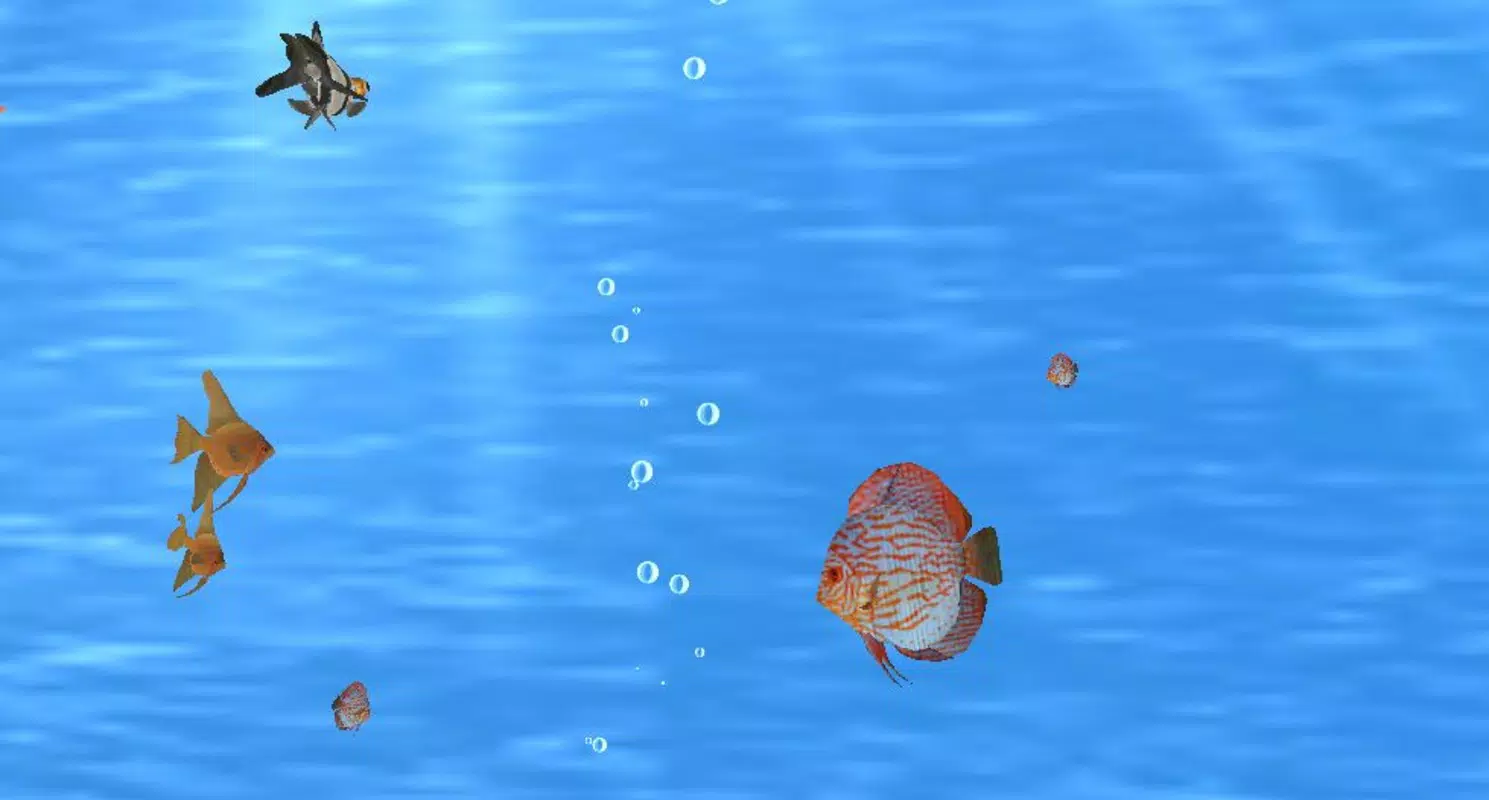
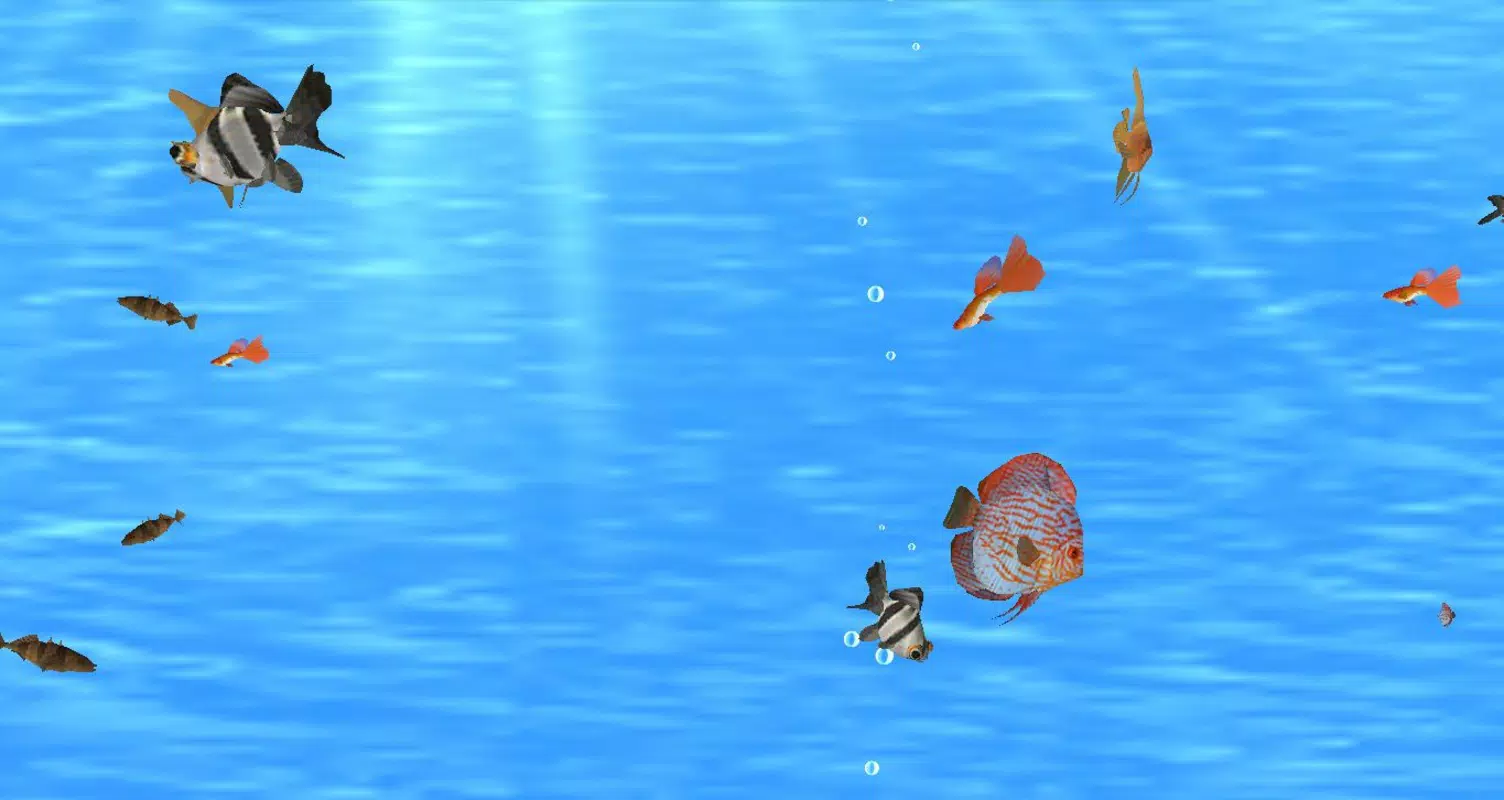
The Digital Aquarium Screensaver transforms your desktop into a serene underwater environment, offering a visually engaging and calming experience. Designed as a digital leisure tool, it serves users seeking a peaceful visual break during work or downtime. By simulating a living aquarium with interactive elements, it addresses the growing demand for digital relaxation tools that enhance mental well-being without requiring active engagement. The app is particularly suited for office workers, remote professionals, and individuals who spend long hours in front of screens, providing a subtle yet effective way to reduce visual fatigue and promote mindfulness.
Developed by Digital Aquarium, the screensaver has been available since 2011, indicating a long-standing presence in the desktop utility space. Although the developer did not provide additional technical or company background, the app’s enduring relevance suggests consistent performance and user satisfaction. Real-world use cases include enhancing home office environments, serving as a meditation aid, or simply adding aesthetic value to a digital workspace. In the broader app ecosystem, it stands out as a niche but impactful utility that blends entertainment, design, and functionality, offering a unique alternative to static or animated desktop backgrounds.
Key Features & Functionality
- Interactive Fish Behavior: Users can interact with virtual fish by feeding them or touching the water surface to create ripples. This dynamic response enhances immersion, turning a passive screensaver into a responsive digital ecosystem.
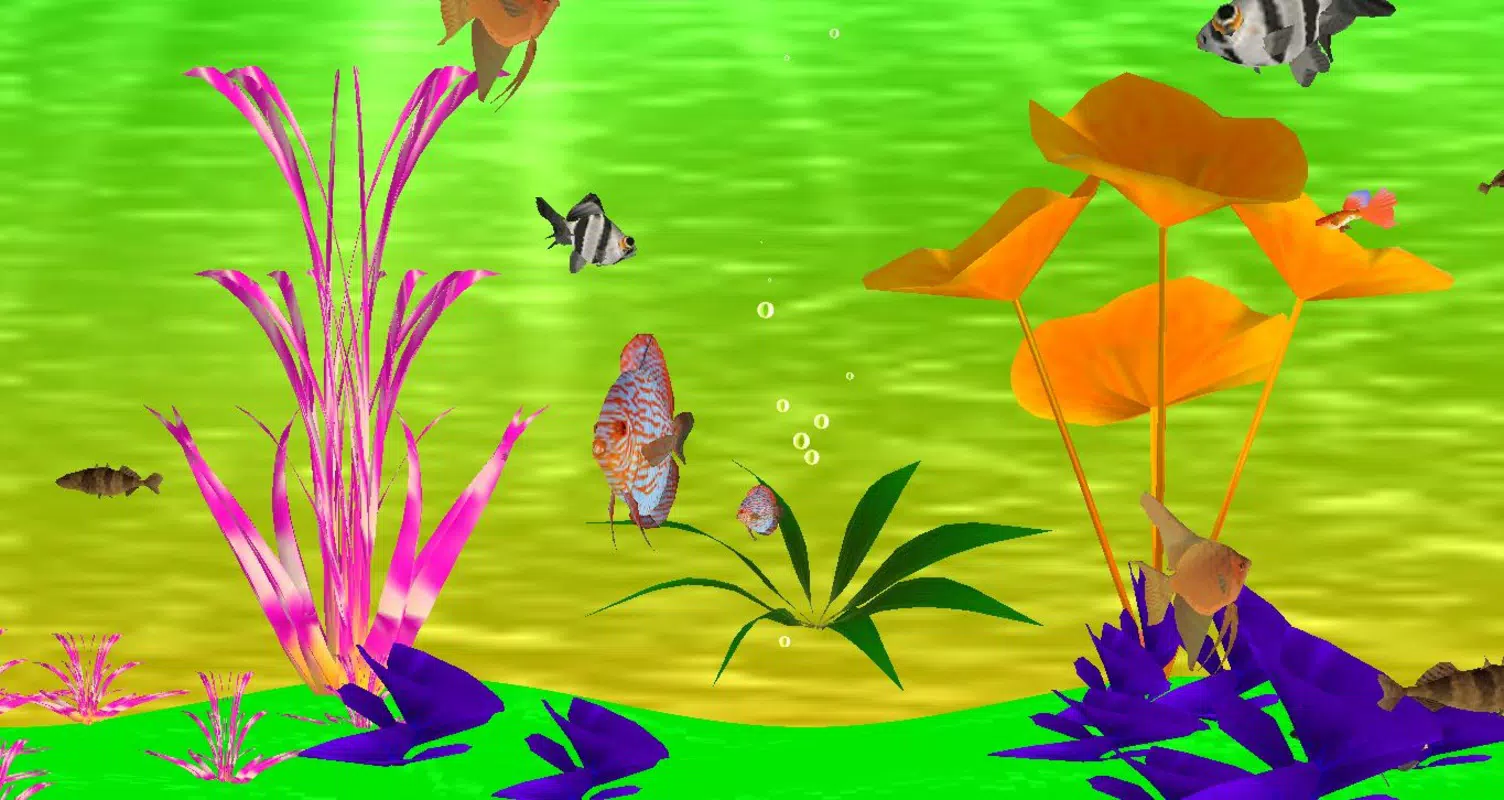
- Customizable Environment: Options include adjusting light intensity, selecting between saltwater and freshwater setups, and choosing from multiple background themes to match personal preferences or workspace aesthetics.
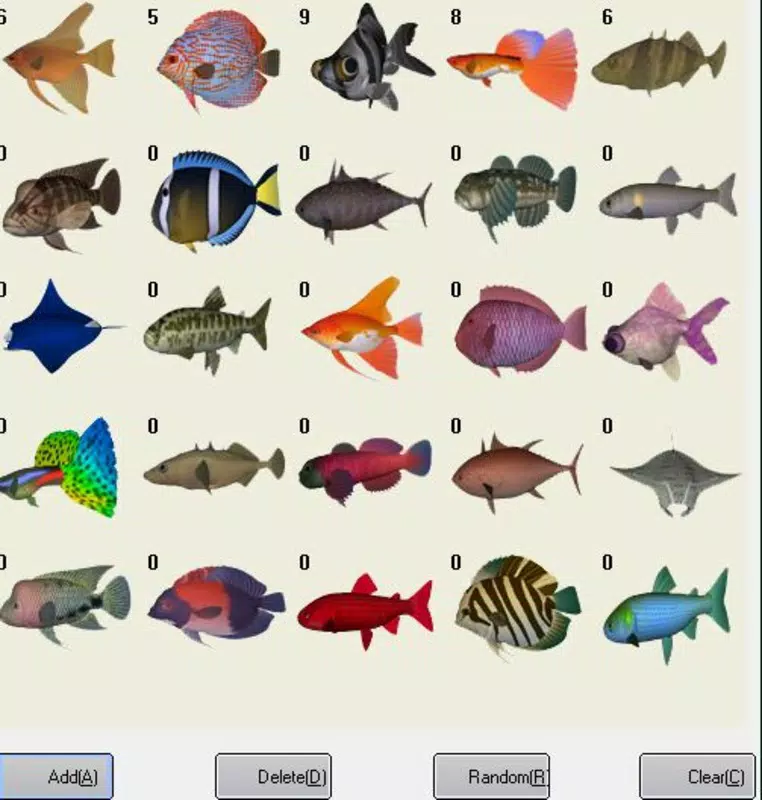
- 25+ Fish Species: The screensaver features a diverse range of fish, including Guppy, Blue Tang, Clownfish, and Demekin, each with unique movement patterns and behaviors, contributing to visual realism and extended engagement.
- Low Resource Consumption: Engineered for efficiency, it operates smoothly on a wide range of systems without impacting CPU or GPU performance, making it accessible to older or lower-spec devices.
- Calming Visual Design: The underwater visuals are crafted to evoke tranquility, with soft lighting, gentle currents, and natural textures that reduce cognitive load and support relaxation.
For example, a user working in a high-stress environment might activate the screensaver during breaks to reset their focus. The ability to feed fish or generate ripples adds a playful element that can serve as a brief mental reset. Similarly, someone setting up a home office may use the customization options to align the screensaver with their interior design, turning the screen into a personalized art piece.
Interface, UX & Performance
The interface of the Digital Aquarium Screensaver is minimal and intuitive, designed to function primarily as a background experience without requiring active user input. Navigation is handled through a simple configuration panel, accessible via the system’s display settings or a dedicated control window. The visual style emphasizes realism and serenity, using smooth animations and natural color gradients to simulate water movement and light diffusion.
Interaction is seamless—users can trigger events like feeding or touching the water with minimal latency. Although the developer did not list formal performance metrics, the app’s low file size of 13.2 MB and long-standing compatibility suggest optimized code and stable operation across various Windows configurations. Responsiveness remains consistent even during extended use, with no reported issues related to freezing or crashes. Stability appears to be a priority, as the app has remained functional since its 2011 release without requiring frequent updates.
Platform Compatibility & Technical Requirements
The Digital Aquarium Screensaver is designed for the Windows platform and supports Windows operating systems. The current version is 1.1, with a file size of 13.2 MB. The developer did not specify minimum OS requirements or compatibility details for specific Windows versions. However, its lightweight nature and long-term availability suggest broad compatibility with modern and legacy Windows systems.
Installation is straightforward, typically involving a single executable file. The app runs without requiring additional software or system-level permissions, making it accessible to users of all technical levels. Specific requirements were not listed, so users should ensure their system meets general Windows compatibility standards. For those seeking a secure, free desktop enhancement, this app offers a low-risk, high-reward solution.
Pros and Cons
Pros
- Free to download and use with no hidden costs
- Low resource consumption ensures smooth performance on older or low-end devices
- Interactive features enhance user engagement beyond standard screensavers
- Highly customizable settings for personalization
- Visually appealing and effective for relaxation and focus restoration
Cons
- Platform limited to Windows; no information on availability for macOS or mobile
- Development activity has not been updated since 2011, raising questions about long-term support
- Customization options, while present, may be limited compared to modern interactive tools
- No integration with third-party apps or cloud-based features
- May not appeal to users seeking high-tech or gamified experiences
FAQ
Is the Digital Aquarium Screensaver safe to install?
Yes, the app is free and does not require administrator privileges or additional software. It is designed to run as a standard desktop utility without posing security risks.
Can I use this screensaver on older Windows systems?
While the developer did not specify minimum OS requirements, its lightweight design and long-standing availability suggest compatibility with older Windows versions.
Does the app consume a lot of system resources?
No, the screensaver is engineered for low resource consumption and runs efficiently without impacting CPU or GPU performance.
Is the screensaver available for mobile devices?
The developer did not provide information about mobile availability. The app is confirmed to run on Windows only.
How often is the app updated?
The last update was in 2011. No recent updates have been released, and the developer has not announced future development plans.
Final Thoughts
The Digital Aquarium Screensaver remains a standout choice for users seeking a peaceful, interactive desktop experience. Its blend of aesthetic beauty, low system impact, and intuitive interactivity makes it a valuable tool for mental relaxation and workspace enhancement. While it lacks modern updates or cross-platform support, its enduring design and functionality continue to deliver value. For anyone looking to add a touch of nature to their screen—without the maintenance of a real aquarium—this app offers a simple, secure, and effective solution. It’s not just a screensaver; it’s a digital sanctuary.
Download Digital Aquarium Screensaver now


